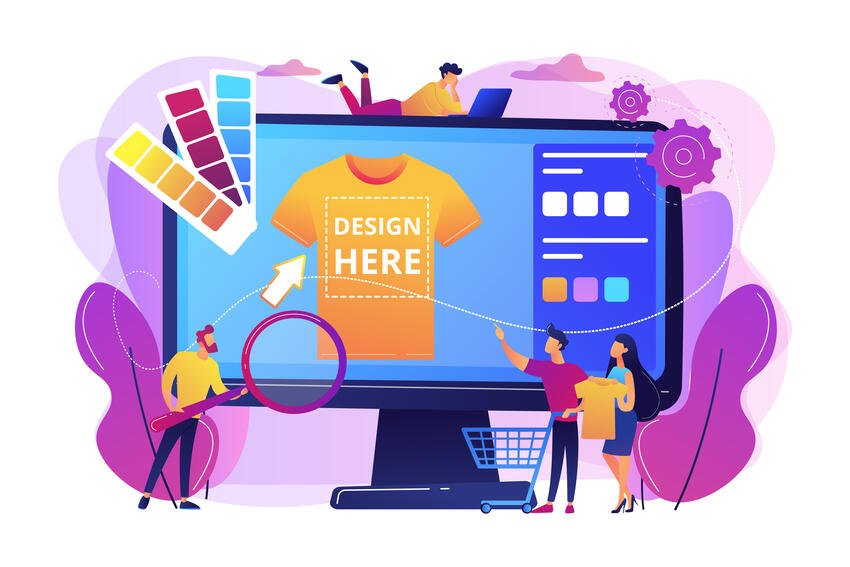
Designing for Print, Not Just Screens
Design has become increasingly digital, but the number of creators turning those designs into physical products continues to grow. T-shirts, hoodies, and other forms of merchandise are now common extensions of online brands, creative projects, and small businesses. More designers are now working across both digital and physical formats, often without adjusting their workflow to suit each medium.
Designing for a screen is not the same as designing for fabric. On a screen, colours appear brighter, details remain sharp regardless of size, and resolution rarely becomes an issue at typical viewing distances. Once a design moves into physical production, those assumptions no longer hold. Fabric texture, ink behaviour, and print limitations all influence the final result.
The gap between screen design and physical output creates a common problem. A design that looks clean and well-balanced on a laptop or phone can lose clarity, shift in colour, or appear less detailed once printed. File preparation, rather than the design itself, often causes these issues.
Good design software plays a role in solving that problem, but software alone isn’t enough. The way a file is set up, scaled, and exported determines how well it translates into a finished product. Designers who understand that process tend to produce more consistent results.
The goal is not to use more advanced tools, but to use the right setup within the tools available. When software choice and file preparation work together, the final output reflects the original design more accurately.
What Makes a Design “Print-Ready”?
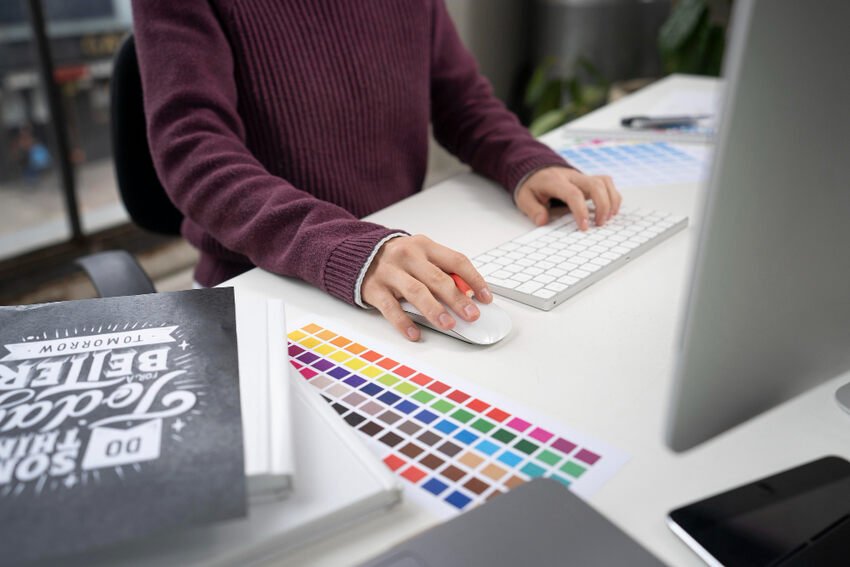
A design becomes “print-ready” when it has the correct technical setup to translate from a digital file into a physical product without loss of quality. Three main areas shape that process: resolution, file type, and colour handling.
Resolution controls how much detail an image holds. In print, DPI measures that detail, and the term stands for dots per inch. A simpler way to think about it is the number of pixels packed into each inch of the design. The more pixels included, the sharper and clearer the image will appear when printed.
For most garment-based designs, 300 DPI at the final print size is the standard benchmark. Using 300 DPI at the final size ensures the image holds enough detail to remain sharp on fabric. Problems occur when designers create artwork at a smaller size and then scale it up later. Increasing the size of a low-resolution image doesn’t add detail. It stretches the existing pixels, which leads to visible blurring or pixelation.
File type also plays a key role. Designs generally fall into two categories: vector and raster. Vector files use paths and shapes rather than fixed pixels, which allows them to scale without losing quality. Vector files work well for logos, typography, and simple graphics that designers can scale across different formats without losing quality.
Raster files, on the other hand, are made up of pixels. Photographs and detailed artwork usually fall into this category. Raster images can produce strong results, but they require the correct resolution from the start. Once created at a specific size, they cannot scale up without affecting quality.
Designers often use vector-based software such as Adobe Illustrator for scalable graphics. It allows designers to create clean, sharp artwork that they can scale without losing detail. That approach works particularly well when the same design needs to appear across multiple garment sizes or product types.
Colour handling introduces another layer of complexity. Digital screens use RGB colour, which relies on light to display colour. Printing relies on ink, and that difference can cause colours to shift. Bright tones on screen may appear slightly muted on fabric, and subtle gradients may not translate as smoothly.
Designers need to account for these differences during the creation process. Strong contrast and clear colour choices tend to produce more reliable results. While exact colour matching isn’t always possible, understanding how colour behaves in print helps reduce unexpected outcomes.
A print-ready design combines all of these elements. It uses the correct resolution, the appropriate file type, and colour choices that translate well to physical output. When these factors align, the design holds its quality throughout the production process.
Key Features to Look for in Design Software
Design software plays a practical role in preparing files for print. The focus isn’t on which tool is “best,” but on whether the software provides the features needed to produce reliable results.
Layer control is one of the most important features. It allows designers to separate different elements within a design, such as text, graphics, and backgrounds. Better separation makes it easier to adjust individual components without affecting the entire file. Layer control also helps when preparing artwork for different variations or placements.
Export options also matter. Print-ready files often require specific formats, such as PNG for transparency or SVG for scalable output. The ability to export clean files with the correct settings helps ensure the design remains consistent as it moves into production.
Resolution handling is another key factor. Software needs to support high-resolution output without compressing or degrading the image. Tools like Adobe Photoshop are commonly used for raster-based designs because they allow precise control over image size and resolution. That control helps detailed artwork maintain its clarity when printed.
Colour accuracy and previewing also play a role. Software cannot perfectly replicate how colours will appear on fabric, but it can help designers make informed adjustments. Features that allow for colour control and previewing reduce the risk of unexpected shifts during printing.
Accessibility is another consideration. Some tools prioritise ease of use over advanced control. Canva Pro, for example, allows users to create designs quickly without needing deep technical knowledge. However, that simplicity comes with limitations, particularly when handling complex file setups or advanced export requirements.
Designers need to understand these trade-offs. Simpler tools can be useful for basic designs, but more complex projects often require greater control. The key is to match the tool to the task rather than relying on a single solution for every situation.
Good design software supports the process, but it doesn’t replace it. The final result still depends on how well designers prepare the file. When designers use the right features correctly, the transition from screen to print becomes far more predictable.
Preparing Designs for Print Production
Preparing a design for print production involves more than exporting a file and sending it off. Designers need to set up the artwork to reflect how it will appear on a physical product. Small mistakes at this stage often lead to issues that only become visible once the design reaches print.
The first step is setting the correct dimensions. Designers should create artwork at the exact size it will appear on the garment rather than resizing it later. Creating artwork at the final size avoids distortion and keeps proportions consistent. Working at the final size also helps maintain accurate resolution, which is key to print clarity.
Designers need to set the resolution correctly from the start. For most garment-based designs, 300 DPI at the final print size ensures the image holds enough detail. Increasing resolution after designers create the artwork does not improve quality. It simply spreads existing pixels over a larger area, which results in a softer image.
Background handling is another important step. Designs intended for garment printing often require a transparent background so that only the artwork itself appears on the fabric. If designers don’t remove the background properly, it may print as a solid block behind the design. That can affect the overall appearance and reduce the professional feel of the final product.
File export also needs careful handling. Different types of designs require different formats. PNG files are commonly used for artwork that includes transparency, while vector-based files, such as SVG, can be useful for scalable graphics. Choosing the correct format helps the design retain its quality during production.
When it comes to custom t-shirt printing in the UK, getting the artwork right is just as important as the print process itself. Good design software helps bridge that gap, giving you control over resolution, colour accuracy, and file setup so your designs come out exactly as intended.
Even with a correctly prepared file, designers still need to consider how the design will translate onto fabric. Ink behaves differently from light on a screen. Colours may appear slightly different, and fine details can soften depending on the material. These differences form part of the print production process, and designers need to account for them during the design stage.
Garment printing introduces variables that don’t exist in digital design. Fabric texture, ink absorption, and the interaction between layers all affect the final result. Designs with strong contrast and clear shapes tend to perform more reliably because they remain visible even when small details soften slightly.
A well-prepared file reduces the risk of these issues during production. It ensures that the design maintains its structure as it transitions from screen to physical output. Good preparation makes the production process more predictable and helps maintain consistency across different prints.
For businesses that need help beyond file preparation, Penji Graphic Design Service can provide print-focused artwork while keeping dimensions, resolution, and file formats production-ready.
Software in Practice: Choosing the Right Tool

Different types of design software support different parts of the workflow. The choice of tool depends on the type of design being created rather than a fixed preference for one platform.
Vector-based tools are well-suited for logos, typography, and simple graphics that need to scale across multiple sizes. These designs often appear on different garments or in different placements, so maintaining sharp edges becomes important. Adobe Illustrator is commonly used in this context because it allows artwork to scale without losing clarity.
Raster-based tools are better suited for detailed images, such as photographs or complex illustrations. These designs rely on pixel-based information, so resolution becomes the key factor. Adobe Photoshop is often used for this type of work because it provides precise control over image size and detail.
Some designers prefer a balance between control and flexibility. Affinity Designer offers an alternative workflow. That approach works well when a design includes multiple types of content that designers need to manage together.
Simpler tools can also play a role. Platforms like Canva allow users to create designs quickly, particularly for straightforward layouts. However, these tools often have limitations in advanced file preparation. Designers need to recognise these limits and ensure that final files still meet print requirements.
The key point is that no single tool covers every situation perfectly. Designers often switch between different types of software depending on the needs of the project. Designers should focus on what the design requires rather than the tool they choose.
Understanding how each tool fits into the workflow helps create better outcomes. When designers use vector tools for scalable graphics and raster tools for detailed images, the final result tends to hold its quality more effectively.
Common Mistakes Designers Make
Many issues in garment design come from avoidable mistakes during the preparation stage. These problems often become visible only after printing, which makes them harder to correct.
One of the most common mistakes is working at low resolution. Designs that look acceptable on screen may not contain enough detail for print. Low resolution often results in blurred edges or visible pixelation when the design is transferred onto fabric.
Scaling designs after creation creates similar issues. Increasing a file’s size without changing its original resolution results in a loss of clarity. Designers should always create artwork at the intended print size from the beginning.
Overcomplicated gradients can also cause problems. Subtle transitions between colours may not translate cleanly onto fabric, especially when combined with texture and ink absorption. Simpler colour transitions tend to produce more reliable results.
Ignoring how materials affect the final output is another common issue. Fabric output behaves differently from a digital display. Texture, stretch, and ink absorption all influence how the design appears once printed. Designs that rely heavily on fine detail may lose some clarity when transferred onto fabric.
File format mistakes also occur frequently. Exporting artwork in the wrong format can remove transparency, compress the image, or reduce quality. Using the correct format for the design type helps preserve the intended result.
These mistakes are not difficult to avoid, but they do require attention during the design process. Understanding how files behave in print allows designers to make better decisions before production begins.
Getting Print-Ready Results
Creating print-ready designs requires more than visual creativity. The final result depends on how well designers prepare the artwork for physical output. Software plays a role in that process, but the way designers prepare the file determines the final result.
Designers who understand resolution, file types, and colour behaviour tend to produce more consistent outcomes. They avoid common issues that can affect clarity, colour accuracy, and overall quality.
Small adjustments can make a significant difference. Working at the correct size, using the appropriate format, and simplifying design elements where needed all contribute to a stronger final product.
Good design software supports these steps, but it does not replace them. When preparation and tool selection work together, the transition from screen to print becomes more reliable.
A structured design approach leads to better results across different types of garment printing. It ensures that designs maintain their intended appearance and perform consistently when applied to physical products.

Read Dive is a leading technology blog focusing on different domains like Blockchain, AI, Chatbot, Fintech, Health Tech, Software Development and Testing. For guest blogging, please feel free to contact at readdive@gmail.com.