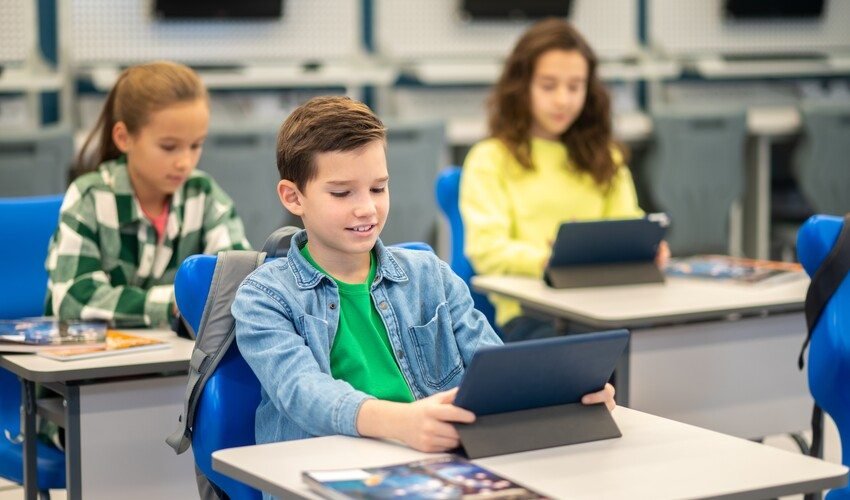
In the digital era of today, the Fairfax County Public Schools (FCPS) have opted to use technology to facilitate learning even outside the traditional classroom setup. The primary support for this initiative is Schoology, a learning management system (LMS) implemented division-wide to enhance instruction, organize coursework, and facilitate communication among students, teachers, and families.
What Is Schoology?
Schoology (pronounced SKOO-luh-jee) is a digital platform where educators can upload learning materials, assignments, resources, and calendars in a common central learning area. It accepts both the physical and remote learning methods, thereby allowing learners to access their courses from any internet-enabled device.
Teachers have the option to prepare engaging lessons, share videos and sound, make announcements, and receive homework electronically. Schoology offers students a structured space to organize their work, review class materials, participate in discussions, and view upcoming assignments.
Why FCPS Chose Schoology?
FCPS moved to Schoology from the previous systems as it matched up with the educational goals of the district and aided in the learning model. Besides, the platform gives tools that foster communication, collaboration, and personalized learning, thereby helping students acquire 21st-century skills such as problem-solving, project management, and teamwork.
Additionally, one of the major advantages of Schoology is that it enables teachers to organize their methods of instruction, plan interesting lessons, and keep communication with their students open at all times. Parents become participants in the classroom, and thus, they can better understand the learning process of their child because they are informed about the activities going on in the classroom.
Access and Use
Students access Schoology with FCPS login credentials, which let them see their classes, assignments, calendars, and messages from teachers. Access for students is not limited to web browsers only, but mobile apps for iOS and Android can also be used, making it more convenient for students to stay in touch wherever they are.
Parents and guardians need an SIS ParentVUE account to get into Schoology. This gives them access to their child’s classes, assignments, calendars, and submitted work. While Schoology displays classroom activity and some grades, official student records such as attendance and final grades are kept in the ParentVUE system.
Benefits for Families
Schoology provides transparency and better communication to families. Parents can see announcements, follow assignments, and even participate in parent groups similar to PTA within the platform. This common view allows parents to assist with learning at home and be aware of education expectations.
Conclusion
Schoology is an essential component in FCPS as it is the all-inclusive LMS that connects the physical classroom and the digital learning environment. Schoology not only supports the academic growth of students through the centralization of coursework, collaboration facilitation, and communication enhancement, but also makes it possible for parents and teachers to maintain their connection in a meaningful way.

Read Dive is a leading technology blog focusing on different domains like Blockchain, AI, Chatbot, Fintech, Health Tech, Software Development and Testing. For guest blogging, please feel free to contact at readdive@gmail.com.